Agency Ledger Creates SmarterInvoicing.
Agency Ledger transforms reservation data into professional invoices instantly — helping travel agencies work faster and smarter.
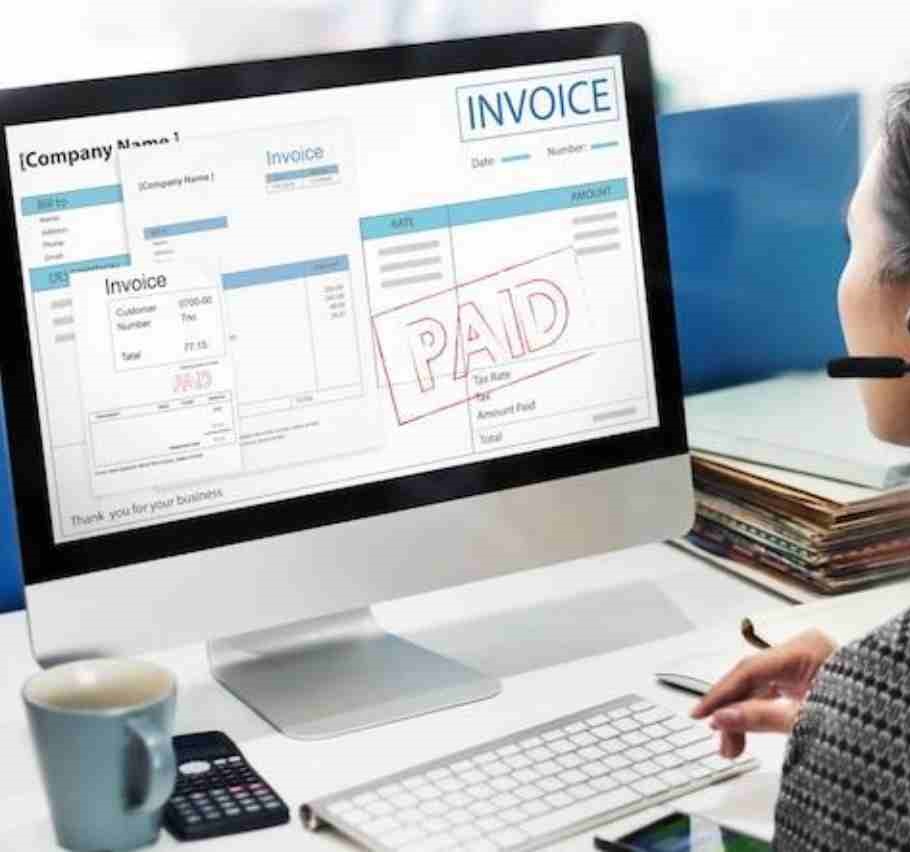




Agency Ledger transforms reservation data into professional invoices instantly — helping travel agencies work faster and smarter.
Agency Ledger is designed with data privacy and security in mind.

Agency Ledger accesses reservation details only during invoice generation. No guest or booking information is permanently saved on our servers.

We retain only your agency’s essential business details for invoicing purposes. This allows smooth operation while keeping data collection minimal.

Every data exchange between Agency Ledger and Cloudbeds happens securely. Encryption ensures information remains protected during transmission.
Agency Ledger is committed to protecting your privacy and ensuring the security of your business information.
This Privacy Policy explains what information we collect, how we use it, and how we protect it when you use Agency Ledger in connection with your Cloudbeds account.
Agency Ledger collects and stores only the business-related information necessary to generate invoices.
This may include:.
Agency business information is used solely for invoice
generation.
When a user generates an invoice from a Cloudbeds
reservation:
We take appropriate measures to ensure your information remains secure.
Agency Ledger does not sell, rent, or share your information with third parties.
Agency Ledger integrates with the Cloudbeds platform using the Cloudbeds API.
This integration allows:
No guest or reservation data is stored by Agency Ledger.
You may request deletion of your stored agency information at any time.
To request data deletion, please contact:
support@[yourdomain].com
If you have any questions regarding this Privacy Policy or how your information is handled, please contact:
support@[yourdomain].com

Connect Agency Ledger with Cloudbeds and generate invoices instantly from reservation data.



Manual invoicing slows down operations and increases the risk of errors.
Agency Ledger helps travel agencies:
Generate invoices instantly without manual entry.
Eliminate human errors in billing.
Deliver consistent, branded invoices every time.
Automate repetitive invoicing tasks.
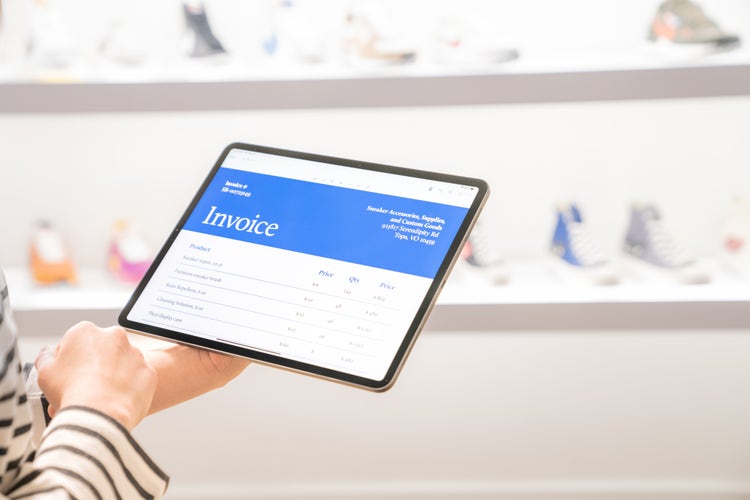
Agency Ledger is available for a flat rate of $39 per property per month.
No setup fees. No long-term contracts. Cancel anytime.
Automate your agency invoicing, eliminate manual data entry, and keep your accounting clean — for less than the cost of one hour of staff time.
Yes. Agency Ledger works on a per-property basis. Each property can manage its own agency business information and invoices independently.
No reservation data is altered. The system only writes back the invoice reference field for tracking purposes.
Agency Ledger integrates seamlessly with Cloudbeds to streamline invoicing.
With this integration, you can:
All data is accessed securely through the official Cloudbeds API.


You can activate Agency Ledger directly through the Cloudbeds Marketplace.
Once connected, Agency Ledger will appear under your Connected Apps.
From Cloudbeds Platform
Once access is granted:
From Cloudbeds Platform/p>
Once disconnected, API access will be revoked immediately.